Start with your words.
Write or paste your lyrics, add a title and artist, and give each line room to grow.
 Lyrecord
A little room for songwriters
A lyric workspace for songwriters. Write and refine your words, tap to time each line, then rehearse with lyrics that follow your performance.
Browser: manual timing and lyric playback for one session. Demo recording and saved songs are native-app features.
 A front-row seat for every word.
From first draft to rehearsal
Write or paste your lyrics, add a title and artist, and give each line room to grow.
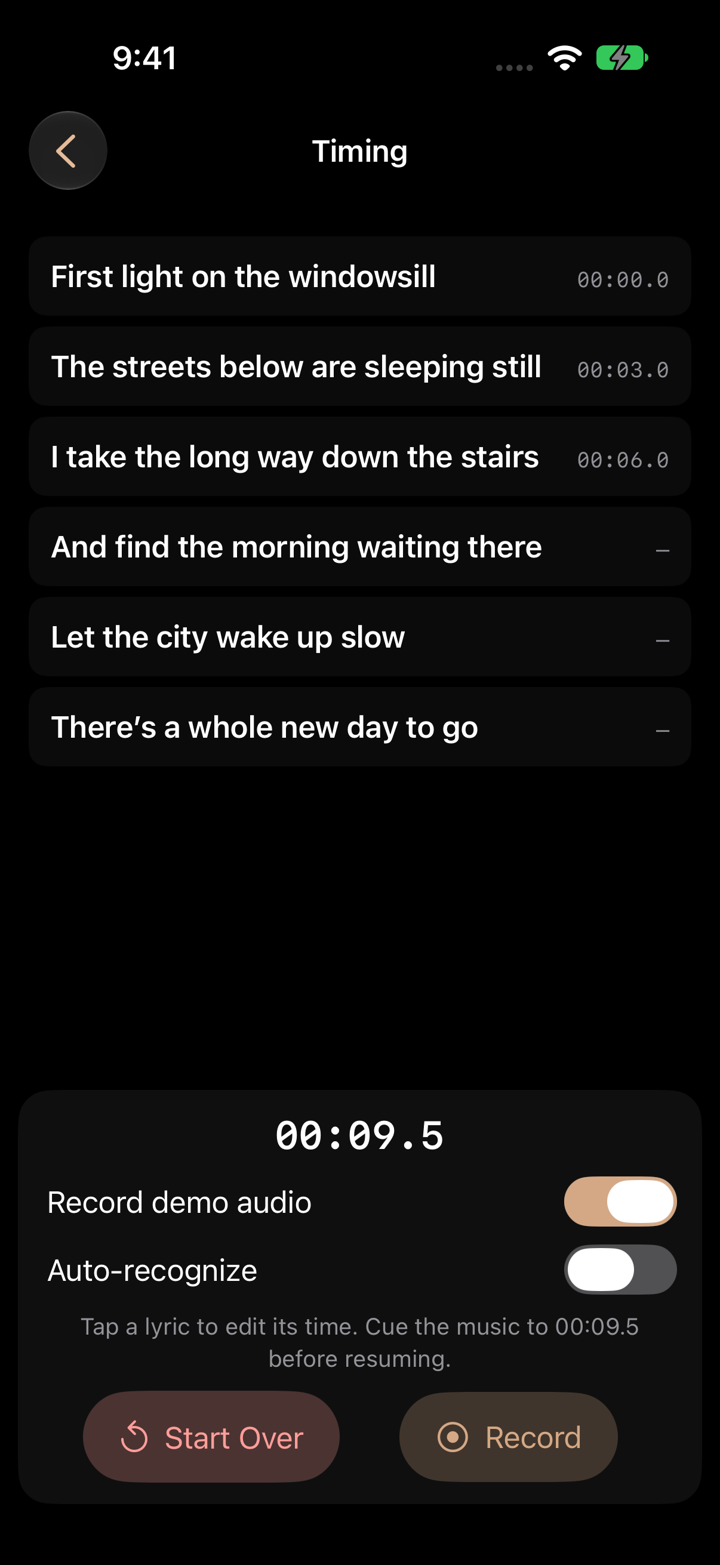
Tap Next, leave Record demo audio on, then Record. Mark each line yourself, or enable Auto-recognize before recording to match vocals and mark timestamps. Tap to help or correct a missed line.
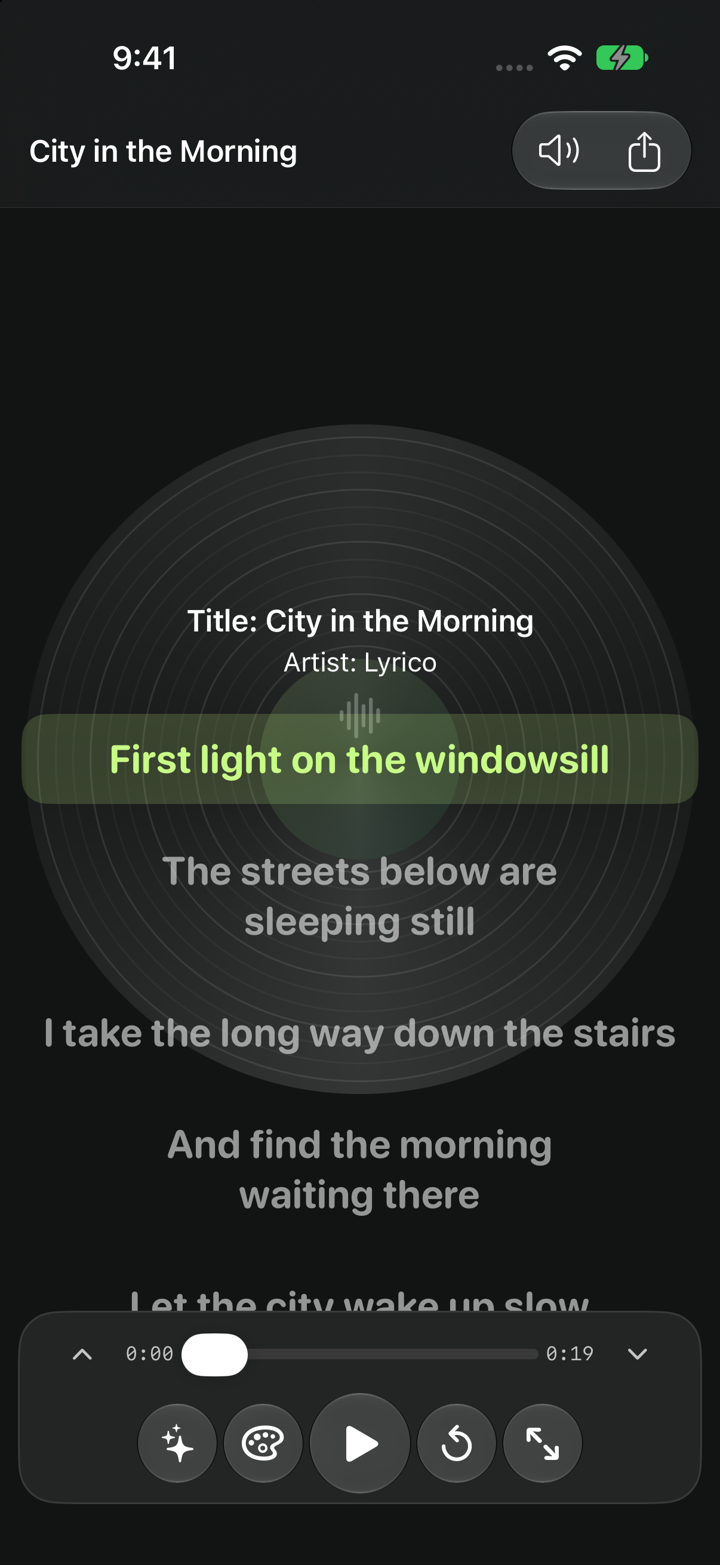
Stop the recording, adjust your timing, then Preview and Save. Rehearse with scrolling lyrics and switch your demo audio on or off.
Your personal collection
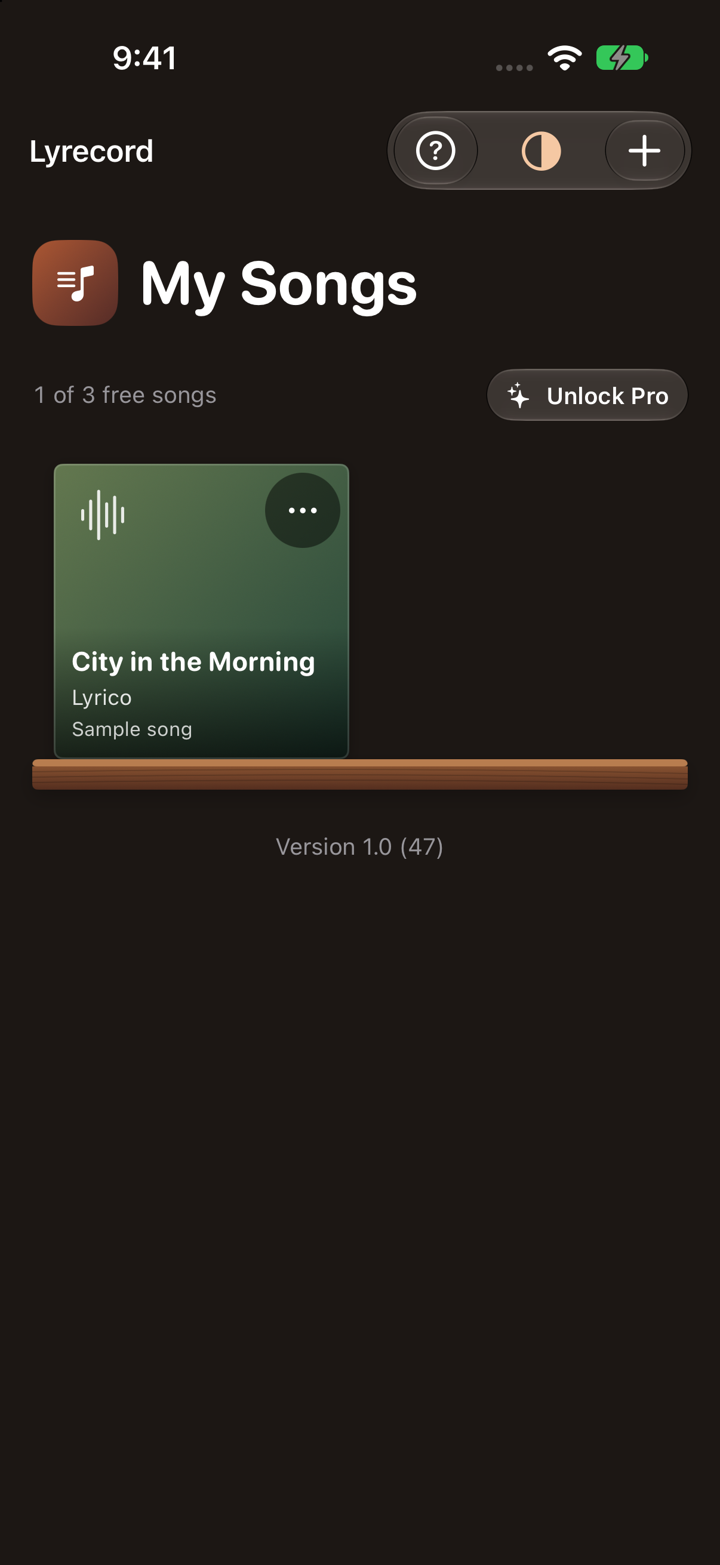
Keep your timed lyrics as albums. Save a draft when you need a break, and edit your words whenever inspiration comes back.
Stay in the moment
Record while manually marking timestamps or using Auto-recognize, then save the take as your song’s demo. Rehearse with the audio on, switch it off to sing again, or share the demo. Tap to correct a timestamp whenever you need.
Auto-recognition requires iOS or macOS 26 or later and a supported language. Accuracy varies with vocals and background music.
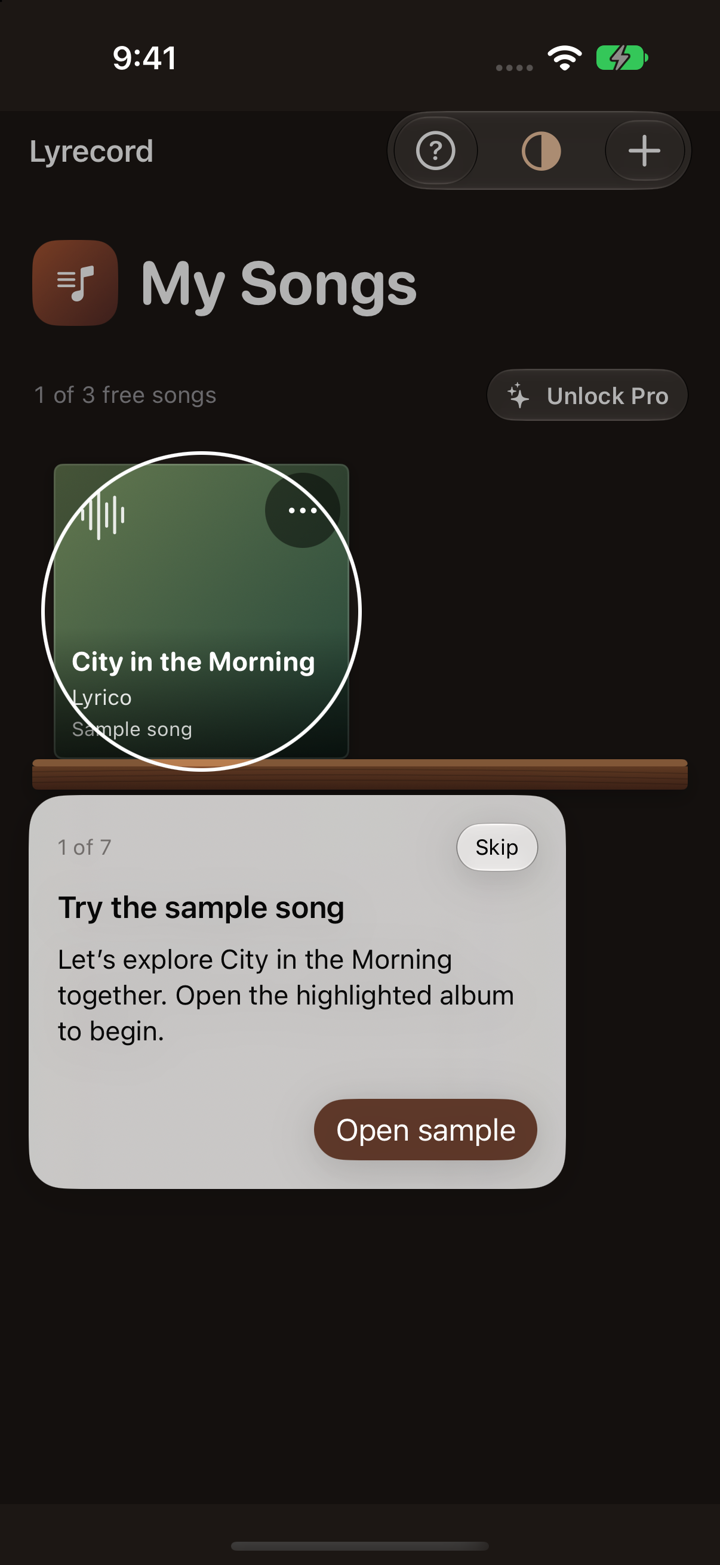
A little help getting started
The built-in guide walks you through writing lyrics, recording and marking lines, previewing, and saving. Reopen it anytime from the question-mark button in My Songs.
The speaker button controls demo audio. Share appears after you save. Your lyrics and demo recordings stay on your device unless you choose to share them.
Start with a few favorites
3 songs
Includes the sample song. Edit and delete songs to make room for new favorites.
$1.99 USD, once
Unlimited saved songs. A one-time in-app purchase, with local pricing shown by Apple.
Planned App Store pricing. Lyrecord is being prepared for release.